New Office Network Design Checklist for Michigan SMBs
Planning a new office in Grand Rapids? Use this network design checklist for cabling, Wi-Fi, VLANs, and security so you only build it once.
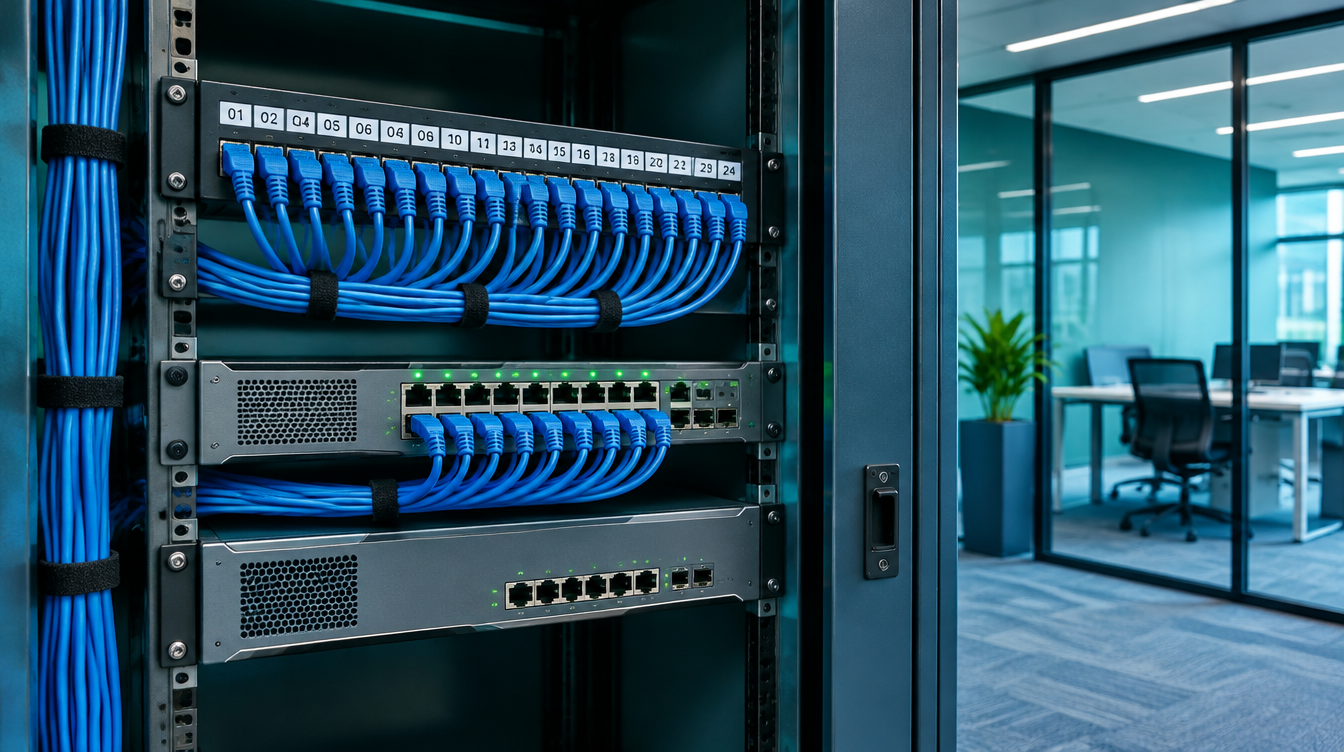
How do you design a network for a new office? Plan it before the walls go up, because cabling is cheap to run in open ceilings and expensive to fix afterward.
If you are moving into new space in Grand Rapids or building out a second location in West Michigan, your network design decisions will last 10 years or more. Wi-Fi gear gets replaced every five or six years. The cable in your walls does not.
This checklist walks you through what to settle before construction starts.
Start With How Your Team Actually Works
Good network design starts with people and applications, not hardware. List how many people work in the space, which devices they use, and which systems they cannot afford to lose.
Ask these questions first:
- How many employees, and how many will you add in three years?
- Which apps run in the cloud, and which run on a local server?
- Do you use VoIP phones, video conferencing, or large file transfers?
- Do you have printers, cameras, door access, or other devices that need a connection?
- Do any clients or regulators require specific security controls?
These answers set your bandwidth, port count, and security rules. Skip this step and you will overbuy in one area and run short in another.
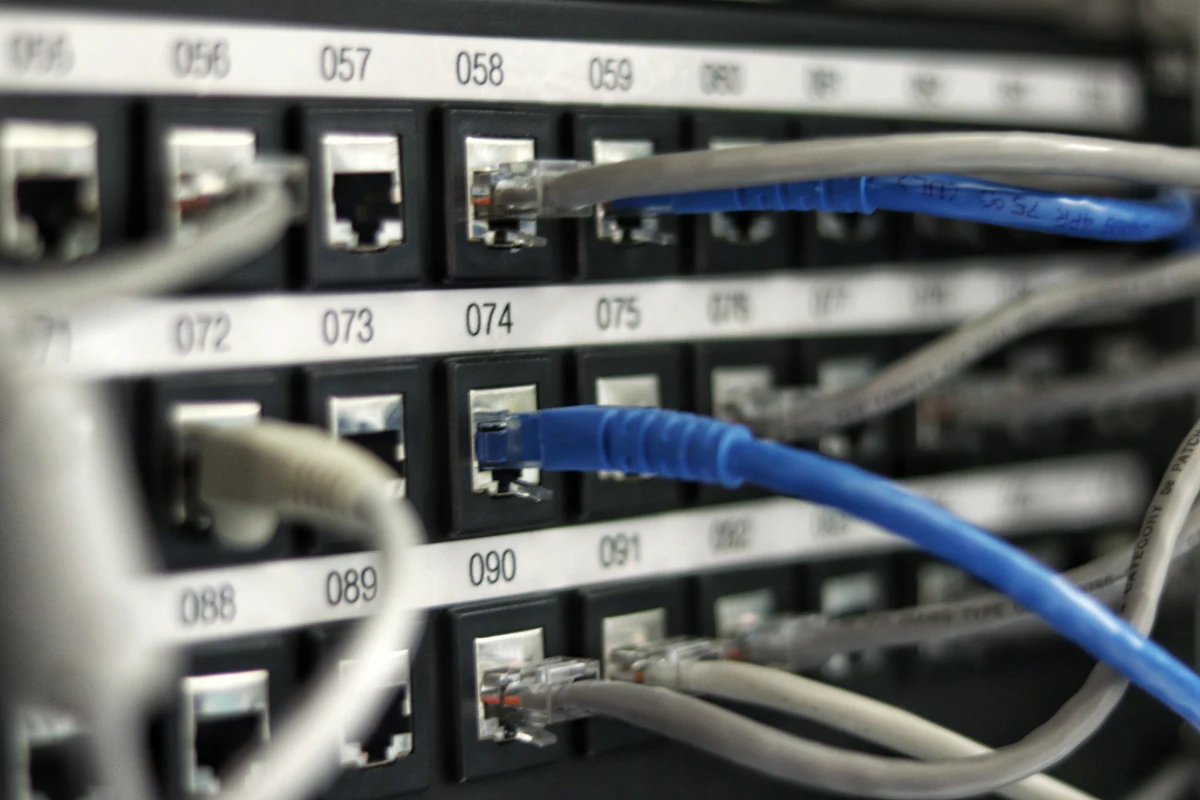
Plan Structured Cabling for the Next Decade
Structured cabling is the permanent wiring that connects every wall jack, access point, and device to a central network closet. Treat it as infrastructure, not an accessory.
Use this cabling checklist:
- Cable type. Cat6A supports faster speeds and higher power over longer runs. It costs a bit more than Cat6, and it is usually the right call for a build you plan to keep.
- Drop count. Plan more jacks than you need today. Add drops for desks, conference rooms, printers, cameras, and ceiling-mounted Wi-Fi access points.
- Access point cabling. Run a cable to each planned access point location. Wi-Fi 6E and Wi-Fi 7 gear needs strong wired backhaul.
- Labeling. Label every cable at both ends and keep a floor plan that matches.
- Network closet. Reserve space with ventilation, power, and room to grow. A closet under a stairwell with no airflow causes failures.
- Fiber. Consider fiber between floors or buildings if distances or speeds call for it.
Coordinate with your general contractor early. Cabling should happen before drywall, and your door access and camera vendors should share the same pathways.
Design Wi-Fi After the Floor Plan, Not Before
Wi-Fi coverage depends on walls, materials, and where people sit. Place access points based on a floor plan and a site survey, not a guess.
A site survey measures signal strength and interference in the actual space. It prevents dead zones in conference rooms and overloaded access points in open areas.
If you are weighing newer standards, read our guide to Wi-Fi 7 for small business before you buy. The wired network under it matters as much as the radios.

Segment Your Network From Day One
Network segmentation splits your network into separate zones so a problem in one area does not spread to the rest. It is far easier to build in at the start than to add later.
A simple VLAN layout for a small office looks like this:
- Staff network for employee computers and business apps
- Guest network for visitors, isolated from everything internal
- Voice network for VoIP phones
- IoT and building systems for cameras, door controllers, printers, and smart devices
- Server or critical systems network for anything holding sensitive data
This layout supports a zero trust approach, where devices earn access instead of getting it by default. The NIST Zero Trust Architecture guidance explains the model in detail. For a plain-English walkthrough, see our post on network segmentation and zero trust for small business.
Segmentation also helps with compliance. Law firms, CPA firms, and healthcare practices often need to show that sensitive data sits apart from guest and device traffic. Our pages on law firm, accounting firm, and healthcare security explain what those rules expect.
Choose the Right Firewall, Switches, and Internet Service
Your firewall and switches decide how well your design performs and how safely it runs. Buy for your traffic and your growth, not for the cheapest quote.
Check these items:
- Firewall throughput with security features turned on, not the headline number
- Switch capacity and Power over Ethernet for access points, phones, and cameras
- Redundant internet. A second connection from a different provider keeps you working when one line fails. West Michigan businesses often combine fiber with cable or fixed wireless.
- Backup power. A small UPS in the network closet protects gear and gives you time for a clean shutdown.
- Remote management. Make sure your IT provider can monitor and update everything.
If you are comparing firewall brands, our firewall comparison for a 50-person firm lays out the tradeoffs.
Document Everything Before Move-In
A network without documentation becomes a mystery within two years. Capture the design while it is fresh.
Keep these records:
- A network diagram and floor plan with jack and access point locations
- IP address and VLAN plan
- Firewall rules and the reason for each
- Admin credentials in a password manager
- Warranty and support contacts for each device
Test before move-in day. Verify every cable run, check speeds, and confirm failover works. Finding a dead jack in week one is annoying. Finding it during a client call is worse.
Frequently Asked Questions
How much does it cost to design and cable a new office network?
Costs depend on square footage, drop count, cable type, and equipment. Evolving Technology Solutions provides a scoped estimate after reviewing your floor plan and device list, so you can budget before construction starts.
Should I use Cat6 or Cat6A for a new office?
Cat6A is the safer long-term choice for most new builds because it handles higher speeds and more power over distance. Evolving Technology Solutions typically recommends it when you plan to stay in the space for several years.
What is a VLAN and does my small office need one?
A VLAN is a virtual network that separates traffic into zones, such as staff, guest, and devices. Yes, most small offices benefit from VLANs, and Evolving Technology Solutions builds them into every new Michigan office design.
When should I involve an IT provider in my office build?
Bring in your IT provider during design, before cabling and drywall. Evolving Technology Solutions works alongside Grand Rapids contractors and architects so the network matches the build schedule.
Can Evolv help with door access and cameras in the same project?
Yes. Evolving Technology Solutions plans network ports, power, and segmentation for access control and camera systems alongside your data network, so one team owns the whole design.
Plan Your Network Once
A new office is the cheapest moment to get your network right. Evolving Technology Solutions offers a free consultation for Grand Rapids and West Michigan businesses planning a move or build-out. We review your plans and give you a clear scope.
Visit evolvtechsolutions.com to book your free consultation.
Get started
Ready to take the next step?
One technology partner for managed IT, cybersecurity, cloud, software and AI. Pick the way you'd like to start.
- Book a consultationA short call about what you run and where it hurts.Book now
- Free security assessmentA written report on what to fix now and what can wait.Start
- Request a proposalScope a project, a migration or a managed service.Start
Prefer to talk now? (616) 243-2234